
Open the image you plan to send and inspect it at full size. A preview can miss details near the edge. Kupid’s privacy policy describes generated images and user-submitted information, and its terms set conditions on service content. Check the applicable use and any reference rights independently before distributing a copy.
Make a delivery copy for the intended view
For a harmless example, you have an illustration of an original fictional gardener and want to show the layout of the gardening shed. Use a copy prepared for that purpose. Inspect the background for text, recognizable locations or details inherited from another reference. Remove details you do not need from a derivative you are permitted to edit.
Write a clear filename such as “shed-layout-preview” and add a short explanatory caption. Keep private details, original prompts and account identifiers outside the filename. If you’re sharing a screenshot of your own client, crop interface elements that reveal your profile or message previews.
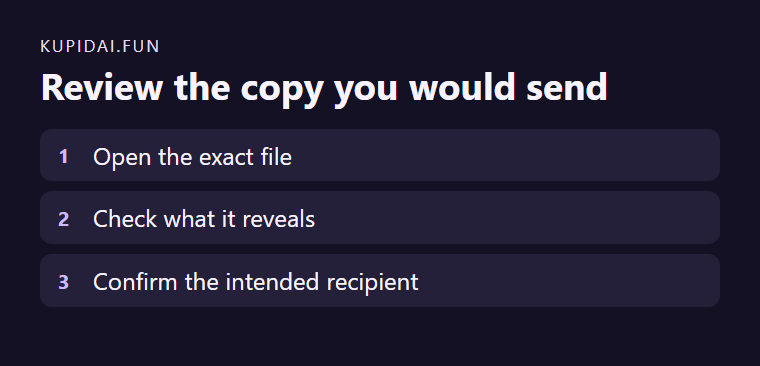
Check who is going to receive it
Look at the account or group selected in the receiving app before attaching the file. A private chat, a group history and a public post expose a copy to different audiences. If it contains a real person’s likeness or material you did not make, check the actual permission for that audience or choose a clearly fictional alternative.
Read the final attachment after selecting it. Keep the original, derivative and intended recipient straight in your notes. A one-minute review helps you share the file you meant to use and leave unrelated account material behind.